Adobe Photoshop
Adobe Photoshop is the raster graphics editor from Adobe for photo retouching and image editing. Version 2026 27.10 installs as a trial on Windows.
2.4 MB

Microsoft Designer is an AI-powered graphic design app from Microsoft for creating images, posts and invitations from text descriptions.
Average 0.0 · ratings: 0
Thank you! Your rating is saved; you can change it. Could not save the rating. Please try again later. Too many ratings from your network today. Please try again tomorrow. The average appears after 5 ratings.
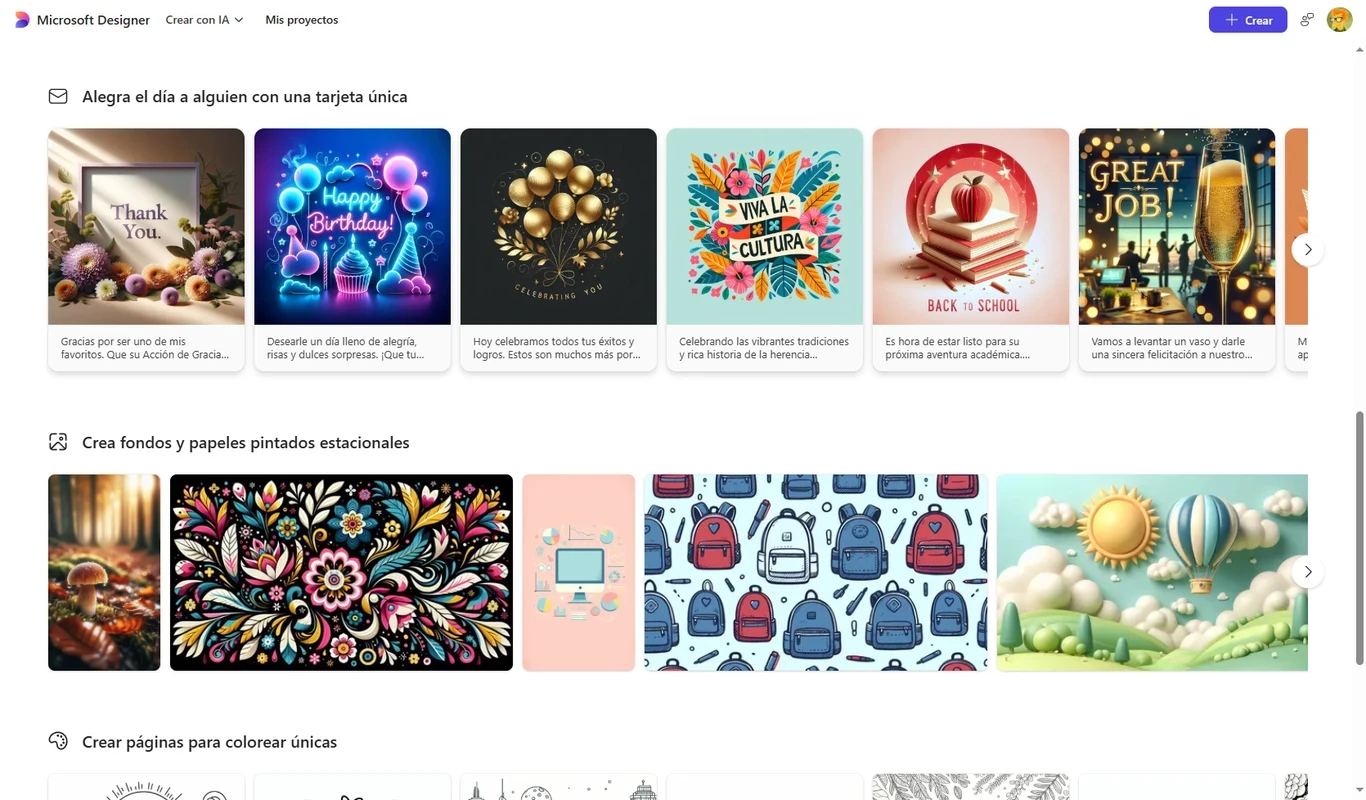
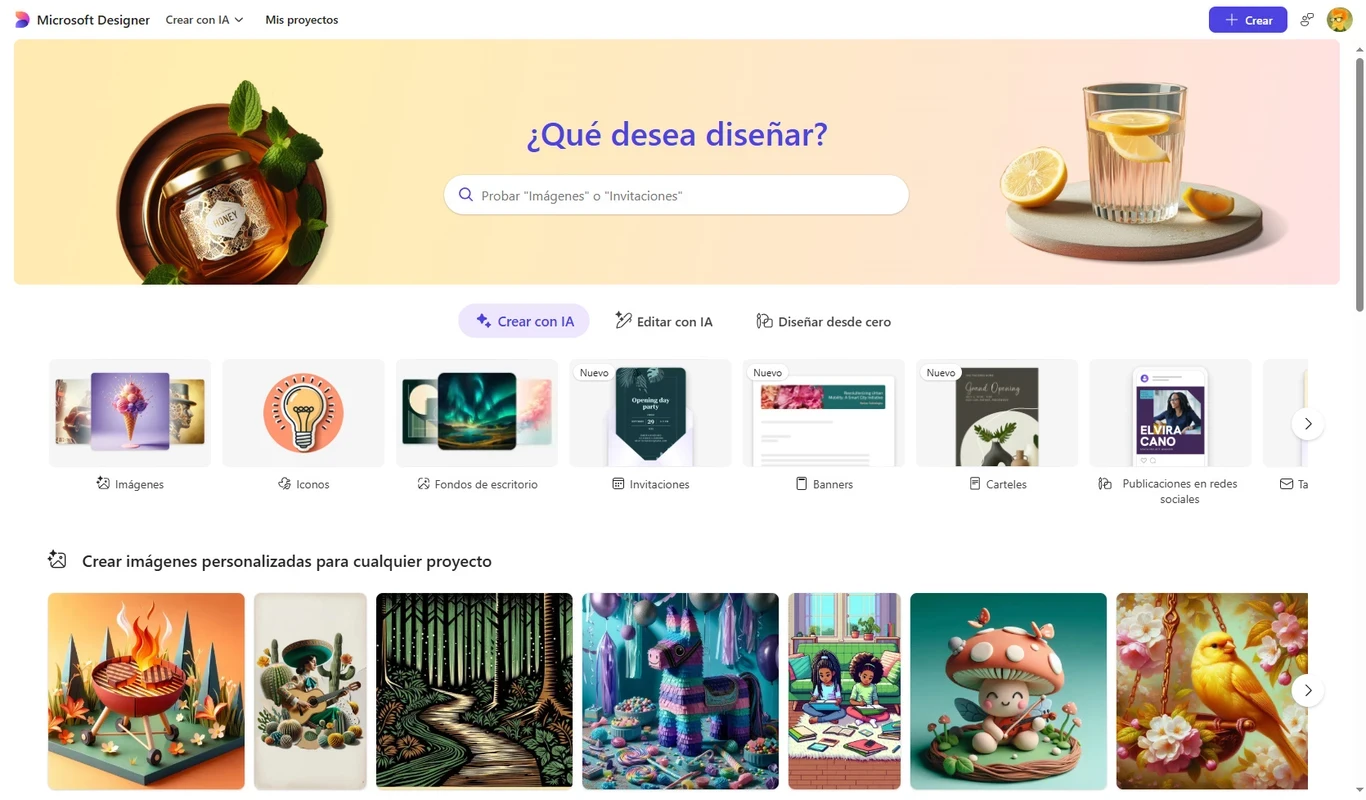
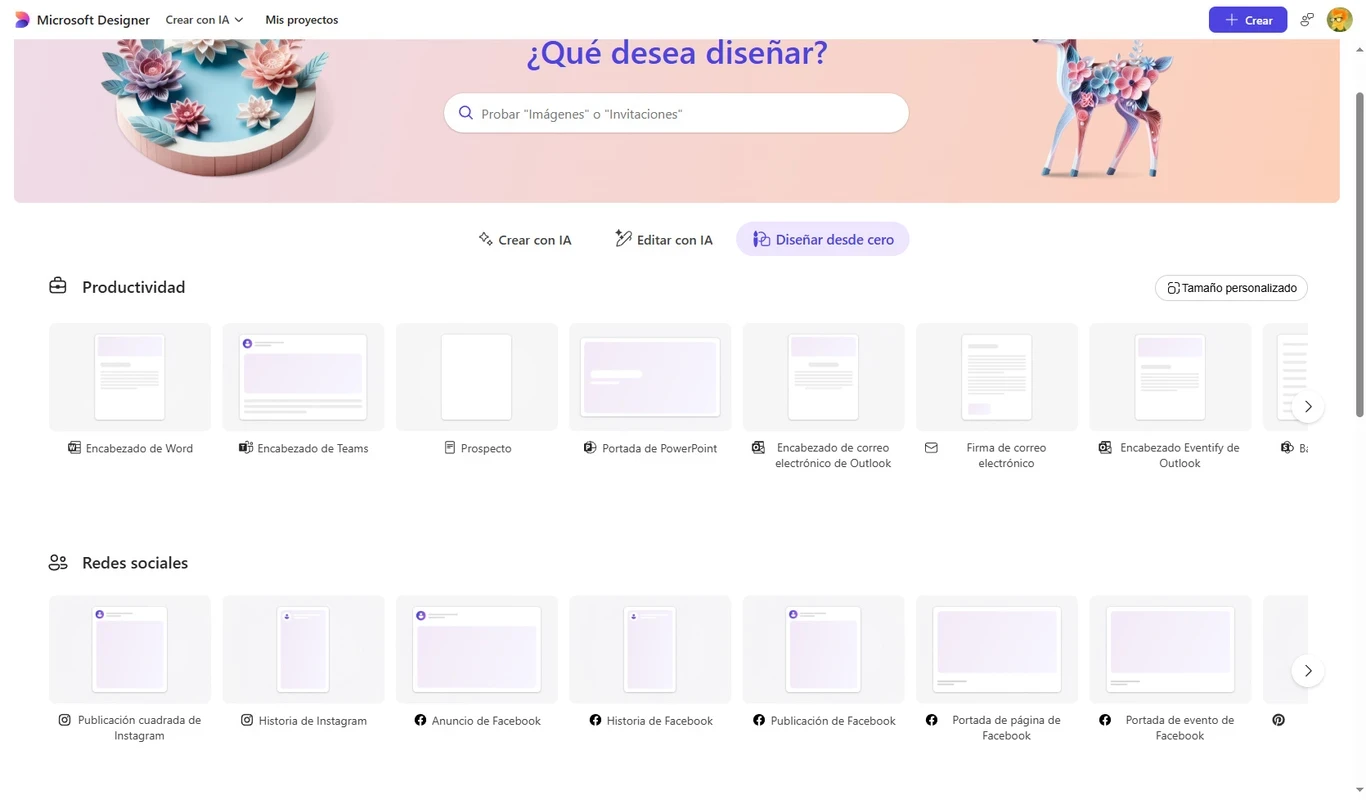
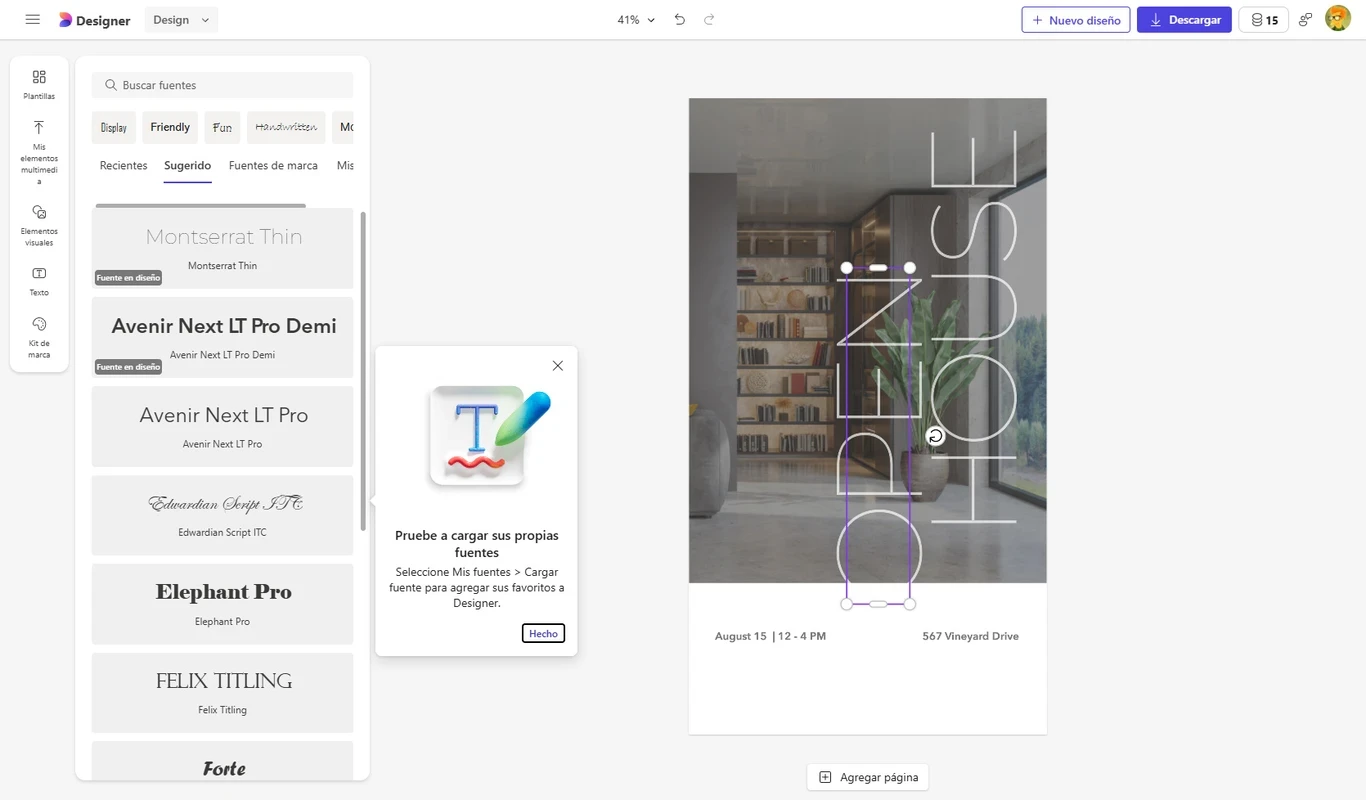
Microsoft Designer 4.0.1.0 is a graphic design app for Windows from Microsoft Corporation that uses AI to create images and layouts from text descriptions. You download Microsoft Designer when you need a social media post, a greeting card or an illustration quickly and do not want to learn a professional editor.
Traditional design software starts with an empty canvas and many tools. Designer starts with a sentence. You describe what you want, for example a poster for a bake sale with warm colours and cupcakes, and the app generates several images or ready-made designs to choose from. After that you can refine the result: change the text, swap fonts and colours, move elements, resize the layout for another social network or ask for a new variation with a different prompt. Beyond generating from scratch, Designer offers editing tools that work on your own photos, such as removing or blurring the background, erasing unwanted objects and restyling a picture. There are also templates for common tasks like invitations, stickers, wallpapers and profile pictures. The Windows app is a light client, which is why the installer is small, about 2.33 MB according to catalogue data; the actual image generation runs on Microsoft's servers, so an internet connection is required. The same service is also available in a browser at designer.microsoft.com.
A Windows PC with a current version of the system, a Microsoft account and a stable internet connection. Since the heavy work happens in the cloud, a powerful graphics card is not needed.
Designer can be used for free with a Microsoft account, with limits on how many AI generations you get. Paid Microsoft subscriptions raise those limits; check the current conditions on the official site.
Prompts and uploaded photos are processed on Microsoft's servers, so avoid uploading private documents or pictures of other people without consent. Generated images follow Microsoft's content rules, and some prompts will be refused.
For full manual control, our site has GIMP and Adobe Photoshop. PixelLab and PicWish cover quick edits and background removal, and Paint remains handy for simple drawings.
Adobe Photoshop is the raster graphics editor from Adobe for photo retouching and image editing. Version 2026 27.10 installs as a trial on Windows.
Adobe Illustrator Online refers to using Adobe's vector design tool through the browser and Adobe's web services, with an Adobe account and plan.
Adobe Illustrator is Adobe's vector graphics editor for logos, illustrations and print design. This page covers Illustrator CC 2026, version 30.8, for Windows.

PicWish is an AI photo editing app for Windows that removes backgrounds, cleans up images and prepares product photos with a few clicks.

PixelLab is an Android app from App Holdings for adding text, stickers and effects to photos; on a Windows PC it runs through an Android emulator.
Adobe Photoshop CS6 is an older perpetual-licence version of Adobe's image editor for Windows; Adobe no longer sells or updates it, and today's Photoshop is subscription-based.